FileSizeFix for iPhone & iPad
Review face, visible-text and license-plate candidates, clean supported metadata and GPS, use Smart Fix, edit media, and annotate or sign PDFs and scans.
View on the App StoreFree online file compression - local and private
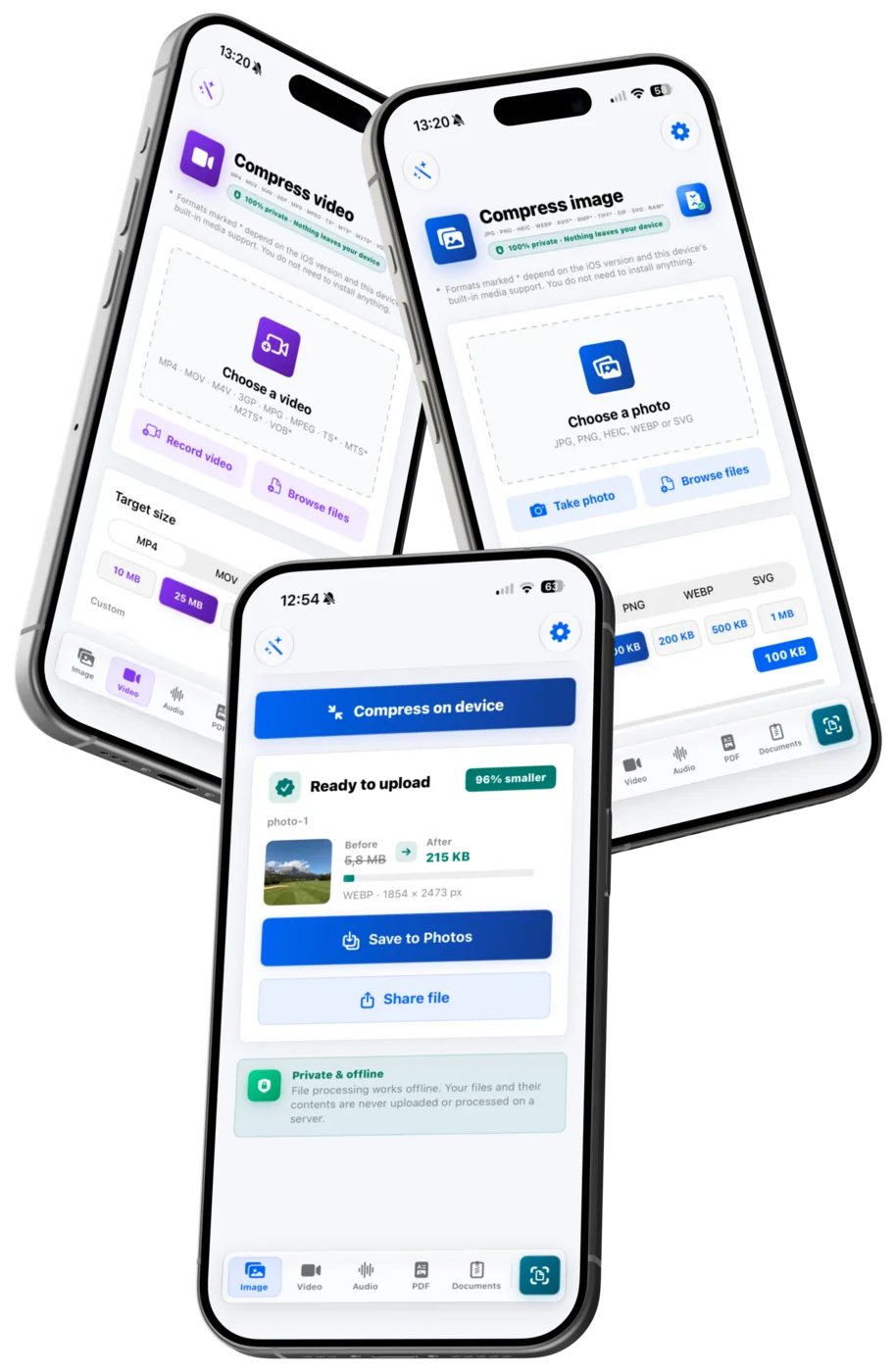
FileSizeFix shrinks PDFs, photos, videos and Office documents to the exact size a form accepts - free, in your browser, with no upload. The iPhone, iPad and Android apps add privacy cleanup, Smart Fix and editing.
Selected files and their contents are processed on your device and are not uploaded to a server for processing.
Free browser tools
Choose a focused tool to compress or convert supported files locally in your browser. The selected files and their contents are not uploaded to a processing server.
Drag in images, PDFs, Office documents, audio or video, choose the form's maximum file size, and FileSizeFix prepares each file locally in your browser.
ImagesCompress ImageUse Compress Image online. Your file stays on your device and is prepared for forms, applications and document portals.
PDFCompress PDFUse Compress PDF online. Your PDF stays on your device and is optimized locally for upload limits.
Video & audioCompress VideoUse Compress Video online. Your video stays on your device and is converted locally in your browser with MP4, WebM, audio and animation presets.
OfficeCompress Any FileUse Compress Any File online. Your file stays on your device and is optimized locally for upload limits.
Try it now
Choose an image and a target size in KB to create a smaller upload-ready copy locally in your browser.
Input formats: JPG · PNG · HEIC · AVIF* · WEBP · BMP* · ICO* · GIF · SVG
* Marked formats depend on this device's browser codecs.
Private: one or many images stay on your device. The server receives no file.
Guides
Real upload limits, honest numbers and step-by-step fixes - written by the team that builds the tools. Every guide links straight to a free tool that solves the problem in your browser.
Current attachment limits for Gmail, Outlook, iCloud, Yahoo and company mail servers - plus why a 24 MB file still bounces and how to shrink it.
PDF & DocumentsWhy your PDF is huge - and how to shrink itWhat actually makes PDFs huge - scans, images, fonts - and how to shrink a PDF to 1 MB or less without wrecking readability or signatures.
Video & AudioSending large videos without the quality massacreSize limits for sending video via WhatsApp, Telegram, Discord, Signal, iMessage and email - what each platform does to your clip and how to keep quality.
Choose your platform
Use the mobile apps for guided anonymization and editing, or open a focused web tool when you only need to compress or convert a file.
Review face, visible-text and license-plate candidates, clean supported metadata and GPS, use Smart Fix, edit media, and annotate or sign PDFs and scans.
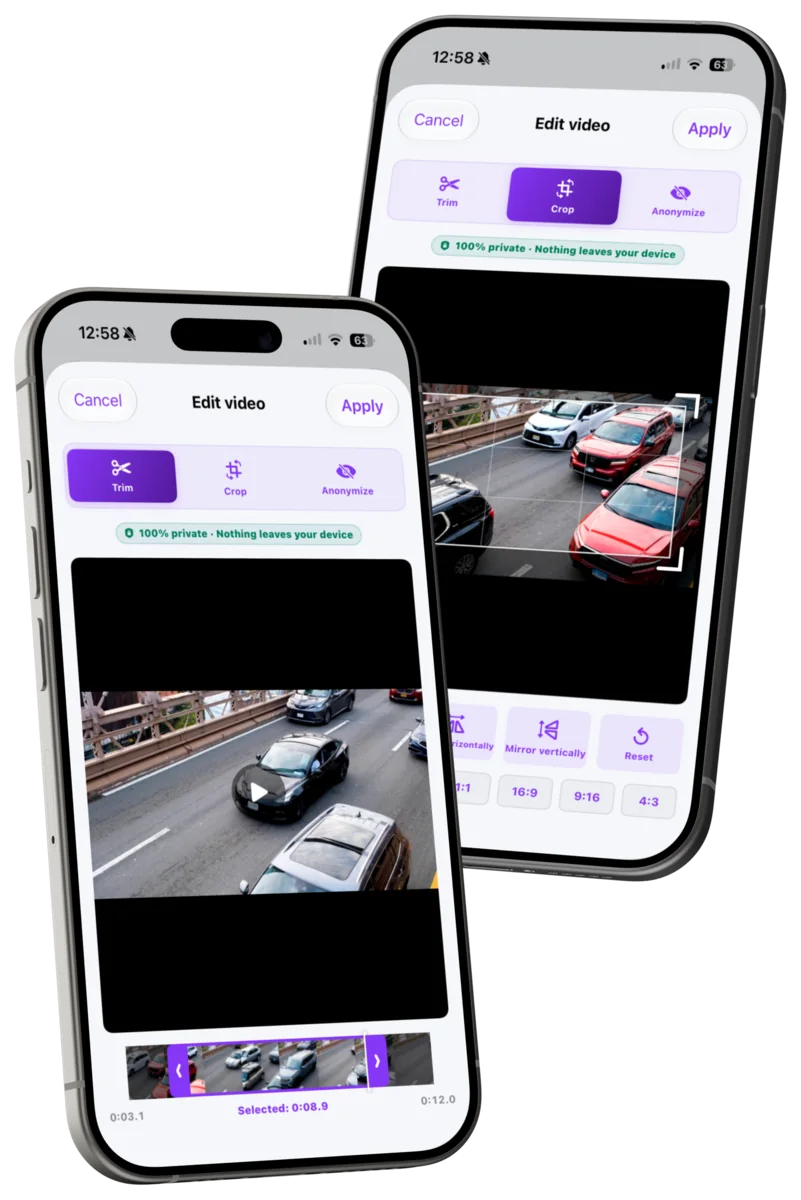
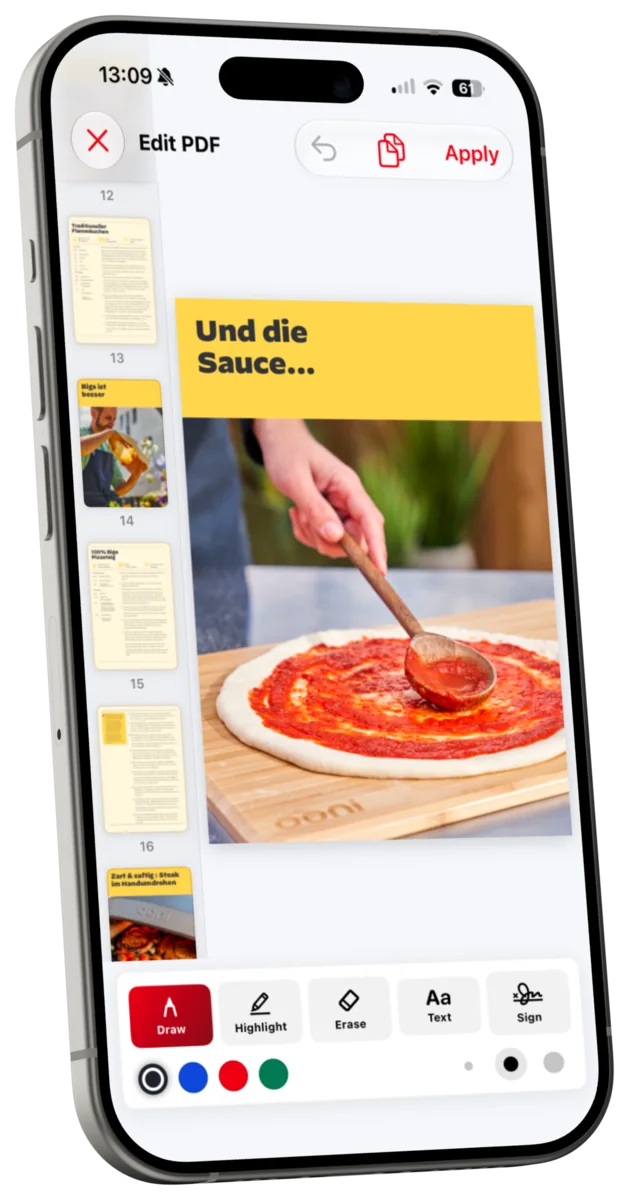
View on the App StoreAnonymize reviewed candidates, clean supported metadata, use Smart Fix for upload-ready sizes and formats, and edit or sign PDFs and scans locally. Android bundles text-candidate detection for Latin, Chinese, Devanagari, Japanese and Korean scripts; other scripts can be missed.
Get it on Google PlayCompress supported PDFs and Office files, or compress and convert supported images, videos and other formats locally in your browser, with no selected-file upload for processing.
Open the web tools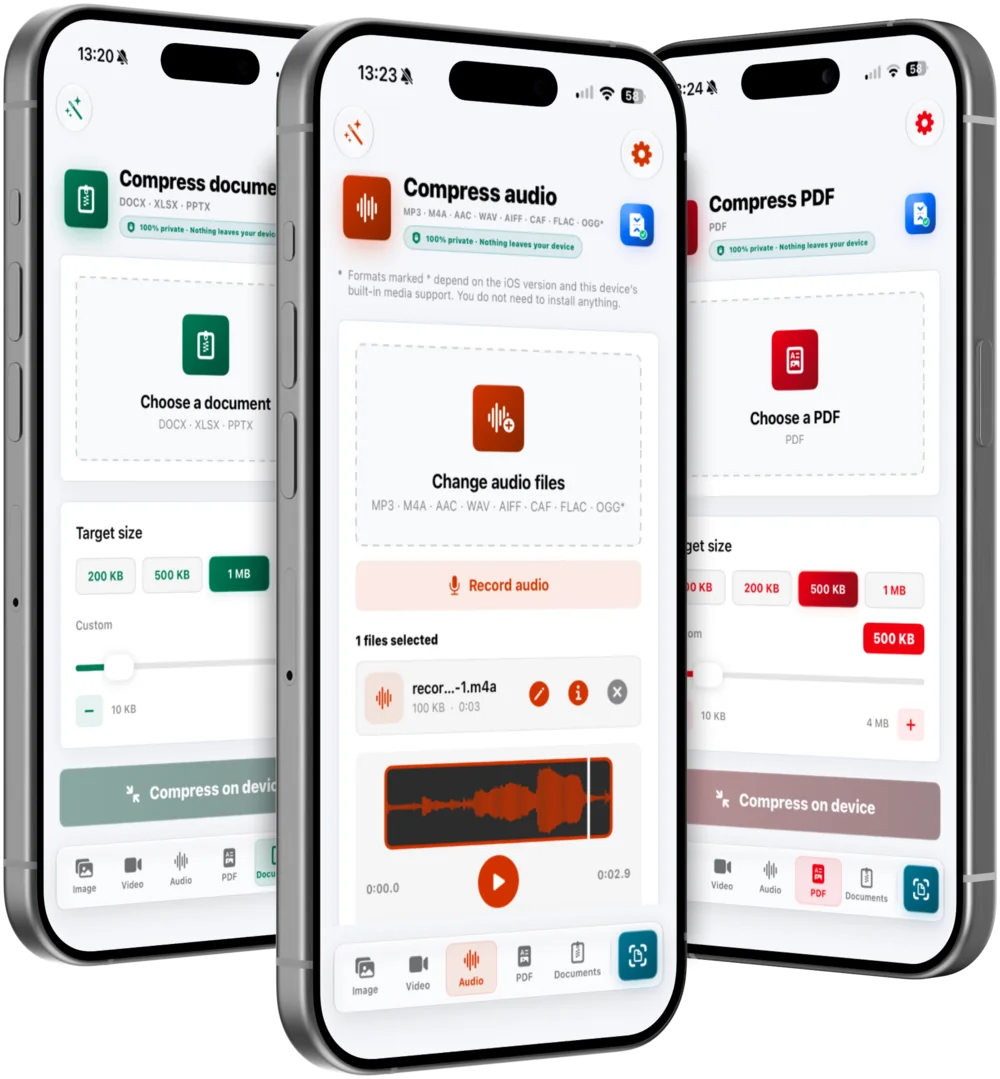
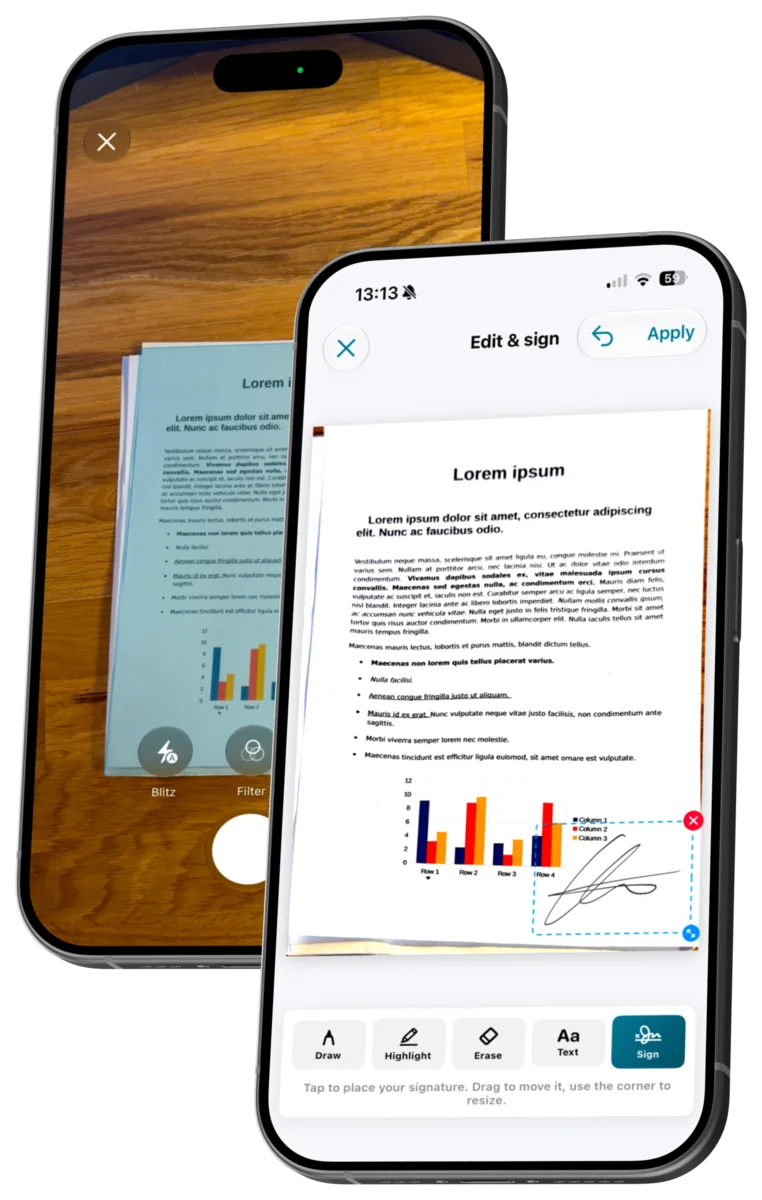
Privacy workflow
The native apps combine visual anonymization, metadata control and upload preparation in one reviewable workflow.
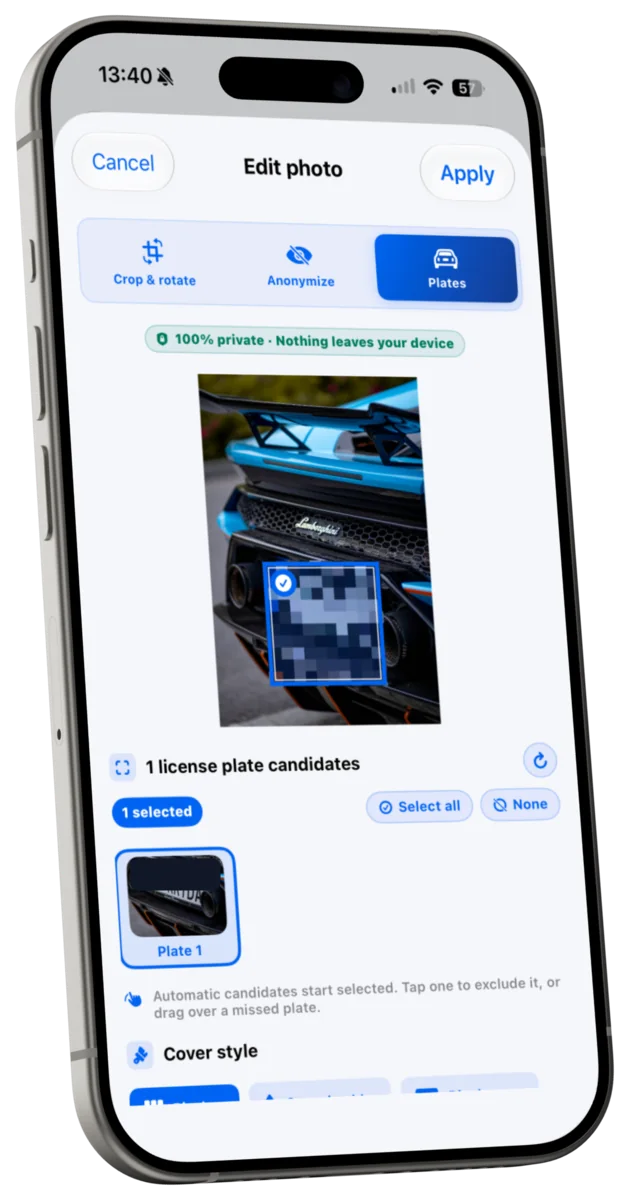
License plates
A dedicated scan proposes possible license plates without automatically selecting or covering them.
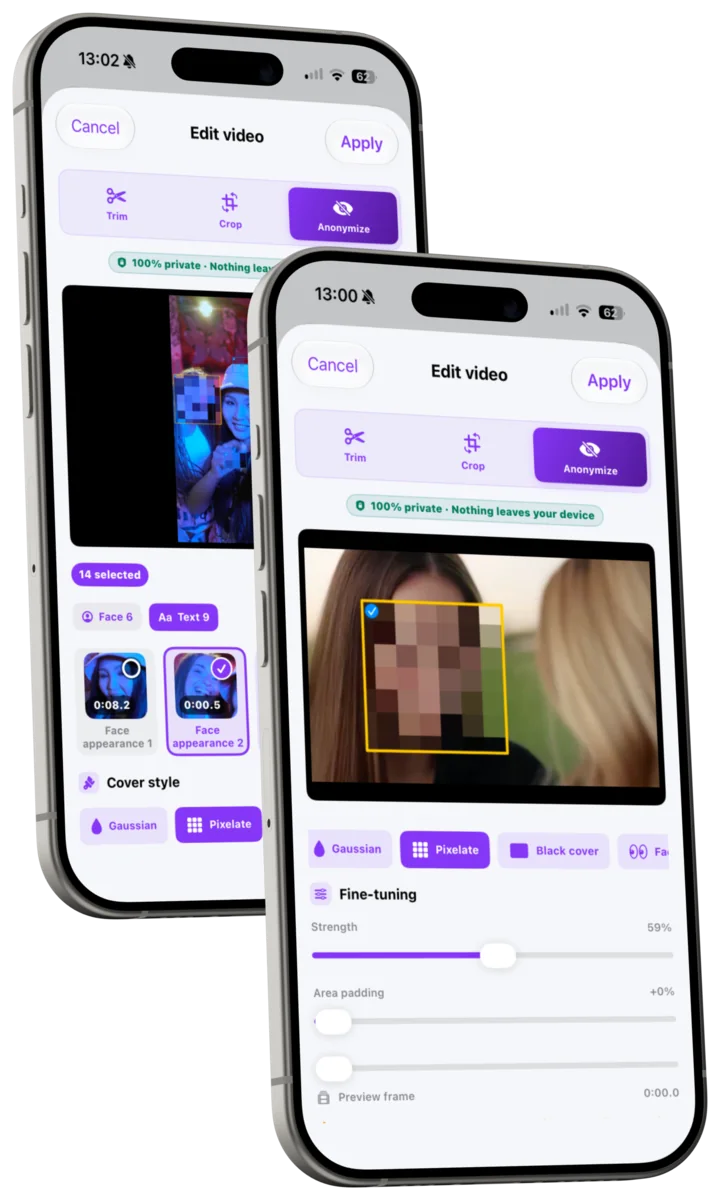
Faces & visible text
Privacy Cleaner suggests face and visible-text regions in photos and videos. You review the candidates and decide what to cover.
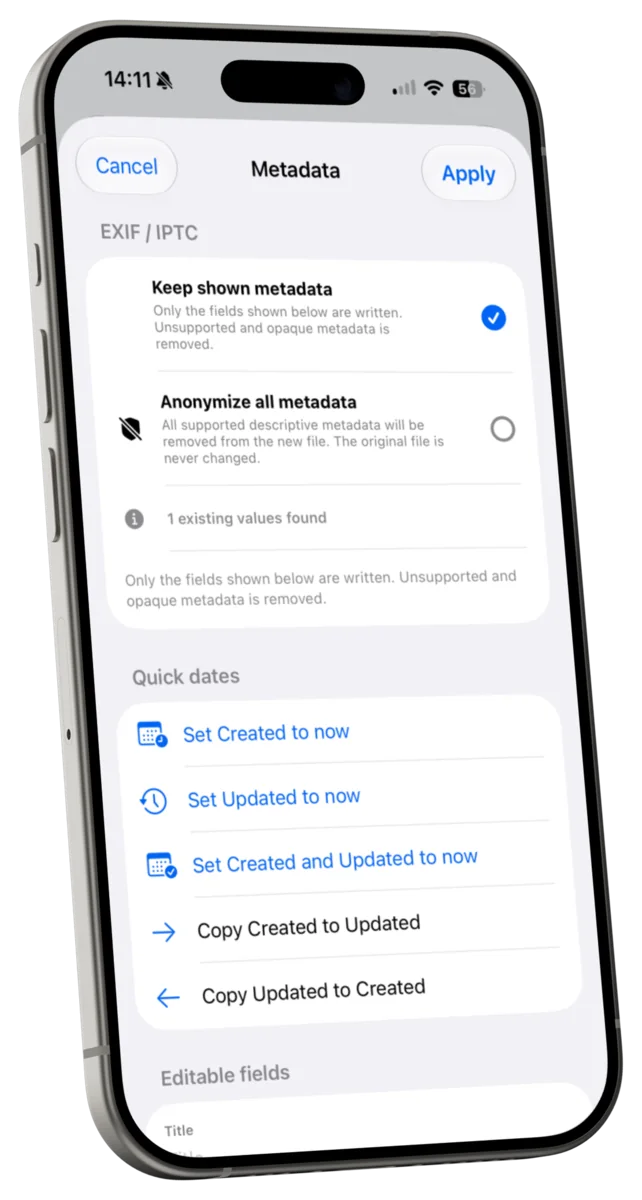
Metadata & GPS
View, edit or remove supported metadata fields and location information before sharing a file.
Smart Fix
Smart Fix reads maximum size, required format and pixel dimensions from a screenshot or photo, then prepares matching supported files on your device.
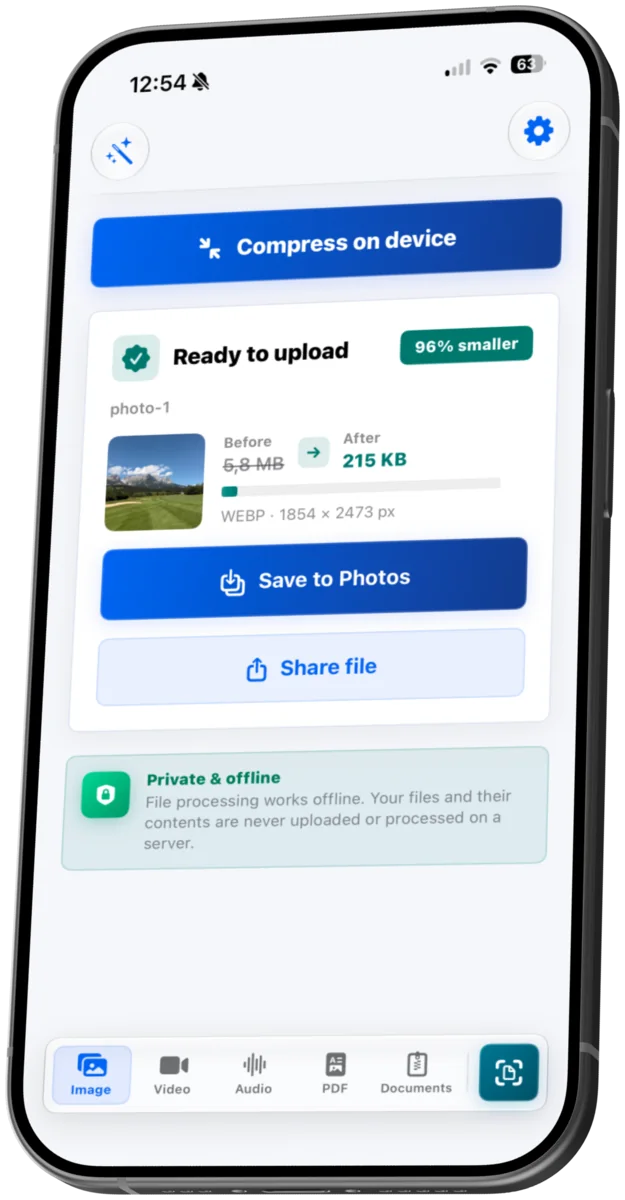
Detection results are suggestions, not a guarantee of complete recognition. Small, blurred, moving or briefly visible content can be missed, so always review the preview before export.
Questions
No. Selected files and their contents are processed on the device in the native apps or locally in the browser and are not uploaded to a server for file processing.
No. Detection creates candidates for your review and can miss content. Android bundles candidate detection for Latin, Chinese, Devanagari, Japanese and Korean scripts; other scripts and small or blurred content can be missed. Always check the preview before sharing.
The native apps include Privacy Cleaner, plate review, supported metadata controls, Smart Fix and editing such as PDF annotation and signing. The free web tools focus on local browser compression and conversion.
Not always. File content and format limit how far it can be reduced safely. FileSizeFix shows the result so you can verify size, quality and readability before using it.
Start with FileSizeFix
Use the native app for privacy cleanup and editing, or open a free web tool for local compression and conversion.